Where does my footage go while I edit?+
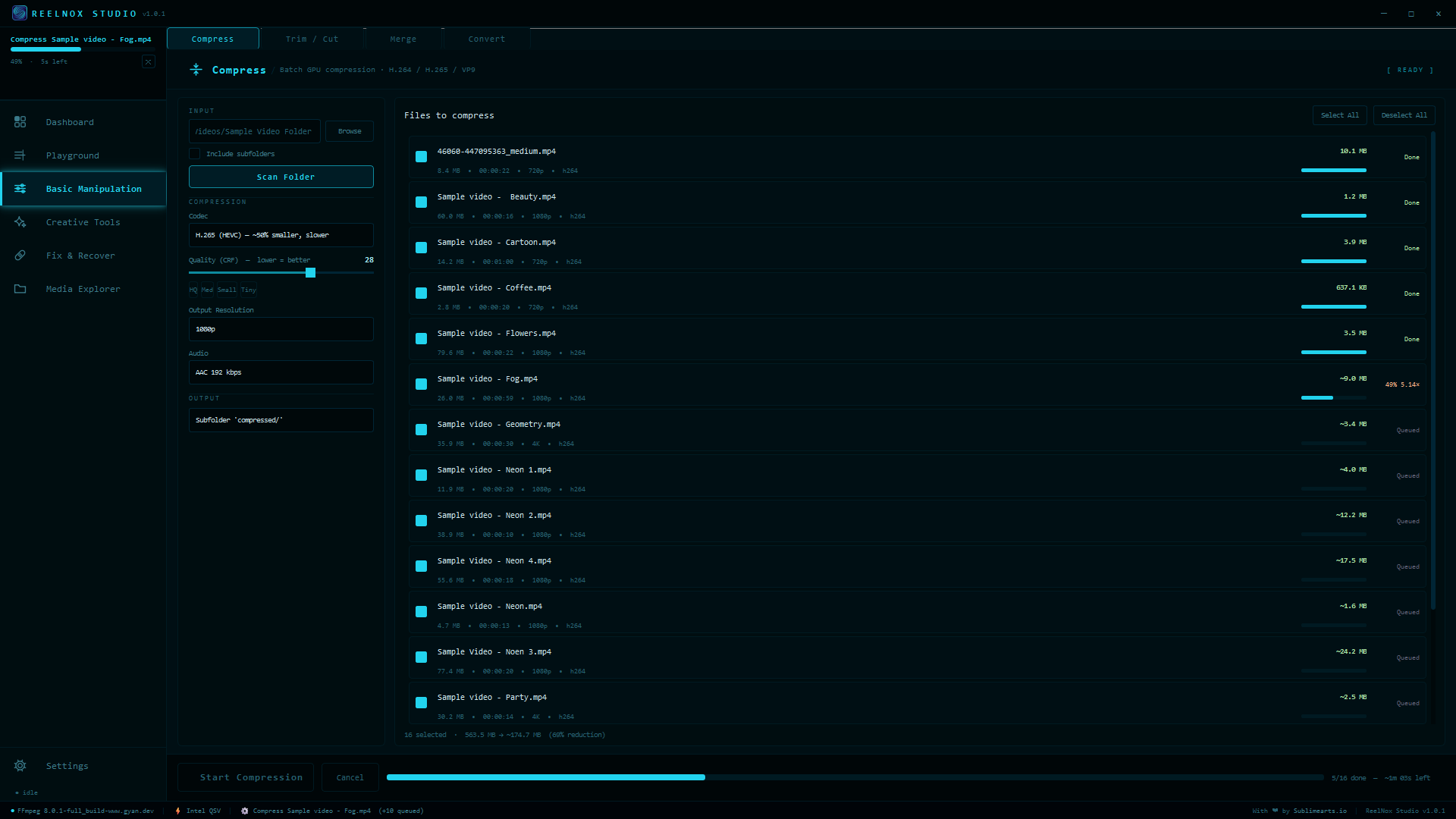
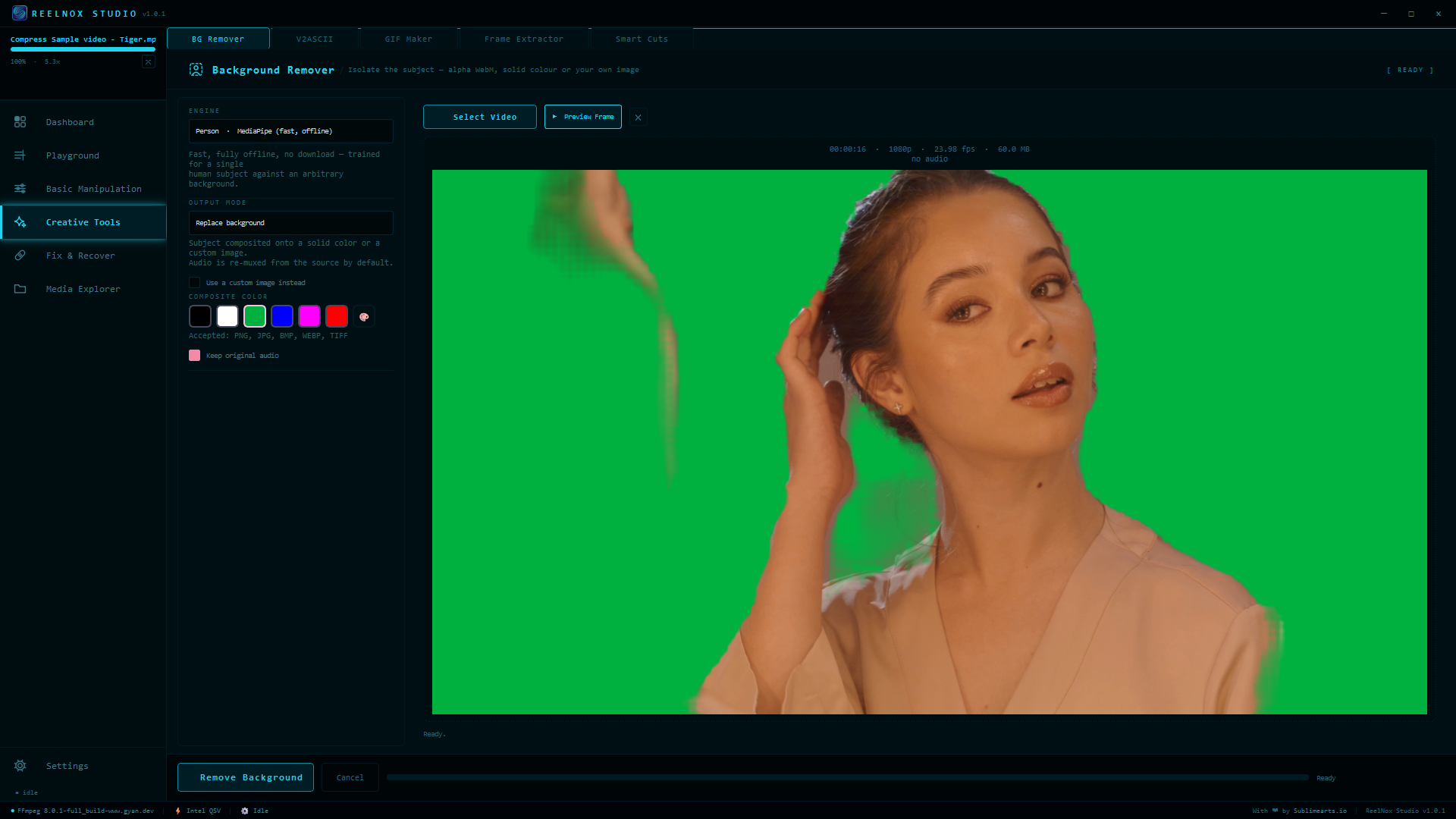
Nowhere. Compression, background removal, ASCII rendering, repair — every tool runs locally through FFmpeg and on-device models. Nothing uploads, no account is required, and there's no telemetry to opt out of because none exists.
What do I need to run it?+
Windows 10 or 11, 64-bit, and about 1.4 GB of free disk space once installed (the download itself is ~620 MB). A GPU from NVIDIA, AMD, or Intel speeds up compression, but every tool also runs on CPU-only machines.
Windows is warning me about the installer — is it safe?+
Yes. The installer is code-signed under Sublimearts.io. On a very new release you may still see a SmartScreen prompt before enough people have installed it — click "More info" → "Run anyway." The signature is what confirms it's genuinely from us, not a workaround.
Can I try it before paying?+
Yes — installing without a license key starts a 7-day trial automatically, with every tool at full capability. No credit card, no separate trial build.
How many computers can I use it on?+
Your license activates on one PC at a time. Moving to a new machine takes a few seconds: deactivate from Settings on the old one, then activate on the new one.
Do future updates cost extra?+
No. Every future update is included in the lifetime license. ReelNox checks for new versions automatically and installs them with one click from inside the app.
What languages does it support?+
English, Italian, German, Spanish, French, Russian, Chinese, Japanese, Korean, and Thai — switchable anytime in Settings.